TL;DR
I made this plugin for this site. I wanted to use the Gutenberg blocks without having to build custom components because I don’t believe that should be a thing. So here we are. You’re welcome.
The plugin can be found here: https://github.com/odotjdot/WP-GraphQL-Dynamic-Styles
WPGraphQL Dynamic Styles Exporter Plugin for WordPress
Unlock True Gutenberg Visual Fidelity in Your Headless WordPress Projects
In the world of modern web development, headless WordPress architectures offer incredible flexibility and performance. However, a common hurdle emerges when striving for perfect visual parity between the rich Gutenberg block editor and the decoupled front-end: accurately capturing WordPress’s dynamically generated CSS. This includes the crucial global theme styles (<style id="global-styles-inline-css">) and, even more challenging, the post-specific block support styles (<style id="core-block-supports-inline-css">) with their unique hashed classes.
Faced with this precise challenge – the need to ensure a headless React/Next.js application could fully leverage Gutenberg’s design capabilities without compromise – I developed the WPGraphQL Dynamic Styles Exporter plugin. This solution was born from the necessity to bridge that gap and provide a seamless, scalable way to access these critical styles.
The Problem It Solves
Traditional headless WordPress setups often struggle to perfectly mirror the visual output of the Gutenberg editor, especially when it comes to:
- Global Styles: CSS Custom Properties, default element styling, global layout rules, and utility classes derived from
theme.jsonand Global Styles settings. - Dynamic Block-Specific Styles: Hashed layout classes (e.g.,
.wp-container-core-group-is-layout-{hash}) and other editor-applied settings that WordPress generates on a per-post/page basis.
Without these styles, achieving pixel-perfect layouts and leveraging the full power of Gutenberg for content creation in a headless environment can be difficult and lead to inconsistencies.
Our Solution: WPGraphQL Dynamic Styles Exporter
This plugin extends WPGraphQL to seamlessly provide these two critical sets of CSS, making them easily fetchable via your GraphQL queries. It was developed to ensure that what you design in the WordPress block editor is what your users see on your headless front-end, without cumbersome workarounds or sacrificing the rich editing experience of Gutenberg.
The core motivation was to enable the use of all Gutenberg blocks and layout options (multiple column galleries, wide alignments, etc.) in a headless React application without restrictions or complex client-side reconstructions of styles.
Key Features & Benefits:
- Accurate Visual Replication: Fetches the precise global and post-specific dynamic CSS generated by WordPress, ensuring your headless front-end accurately reflects the Gutenberg editor’s output.
- Full Gutenberg Compatibility: Enables the use of all Gutenberg blocks and their styling options in your headless projects. Design complex layouts in WordPress and see them render correctly on your decoupled front-end.
themeGlobalStylesField:- Provides a new field on the WPGraphQL RootQuery to fetch global CSS.
- Allows selective inclusion of style components (variables, presets, styles, base layout styles).
postBlockSupportStylesField:- Adds a field to all public post types (Posts, Pages, Custom Post Types) registered with WPGraphQL.
- Dynamically generates and provides the CSS for block supports specific to the content of the queried post.
- Performance-Optimized:
- Implements caching for
postBlockSupportStylesusing WordPress Transients (default 12-hour expiration) to significantly improve performance on subsequent requests. - Automatically clears the cache for a specific post’s styles when that post is updated.
- Implements caching for
- Developer-Friendly: Designed for easy integration into headless front-end applications.
Who Is This Plugin For?
Headless WordPress developers who want to:
- Achieve high-fidelity visual consistency between the Gutenberg editor and their decoupled front-end.
- Fully utilize the Gutenberg block editor for content creation without style limitations in their headless setup.
- Streamline the process of obtaining essential dynamic WordPress styles via WPGraphQL.
Demonstration:
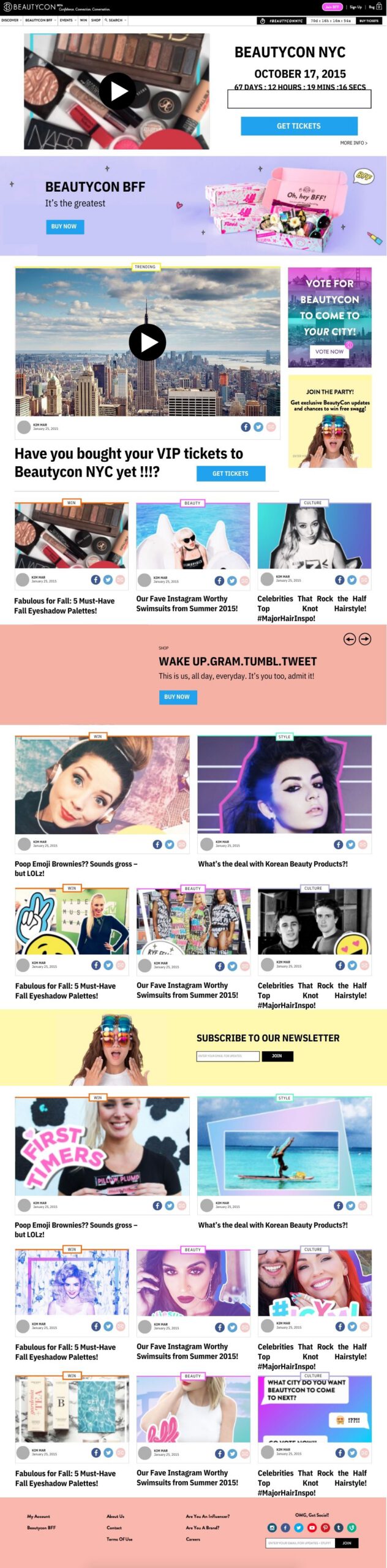
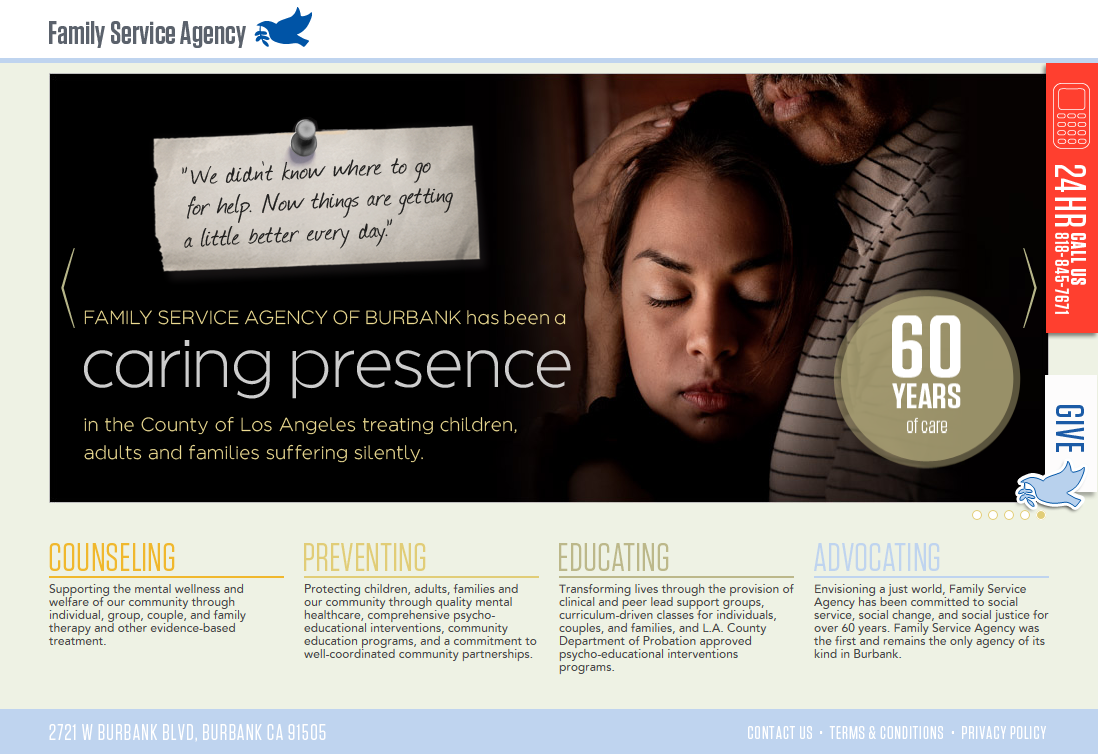
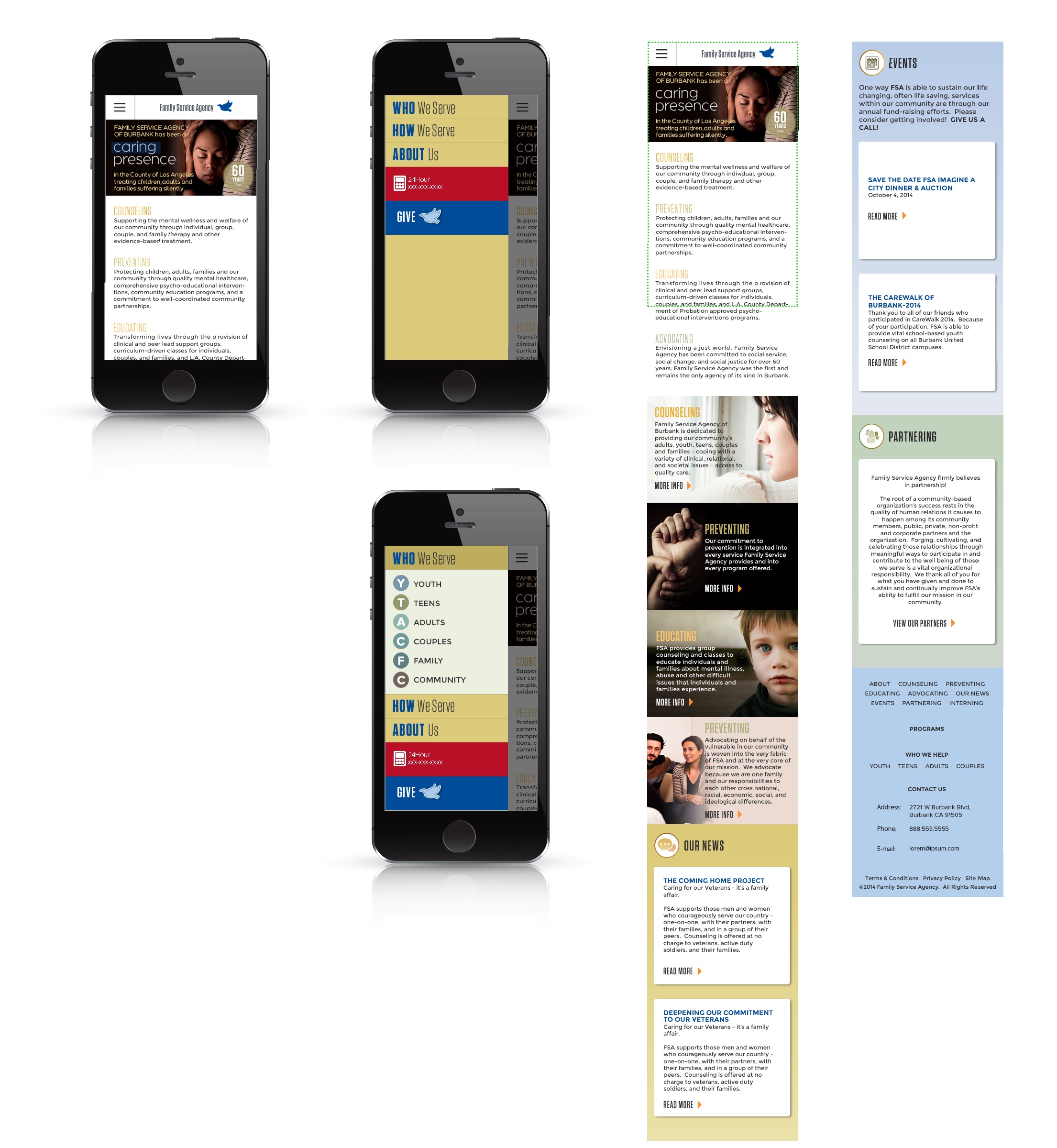
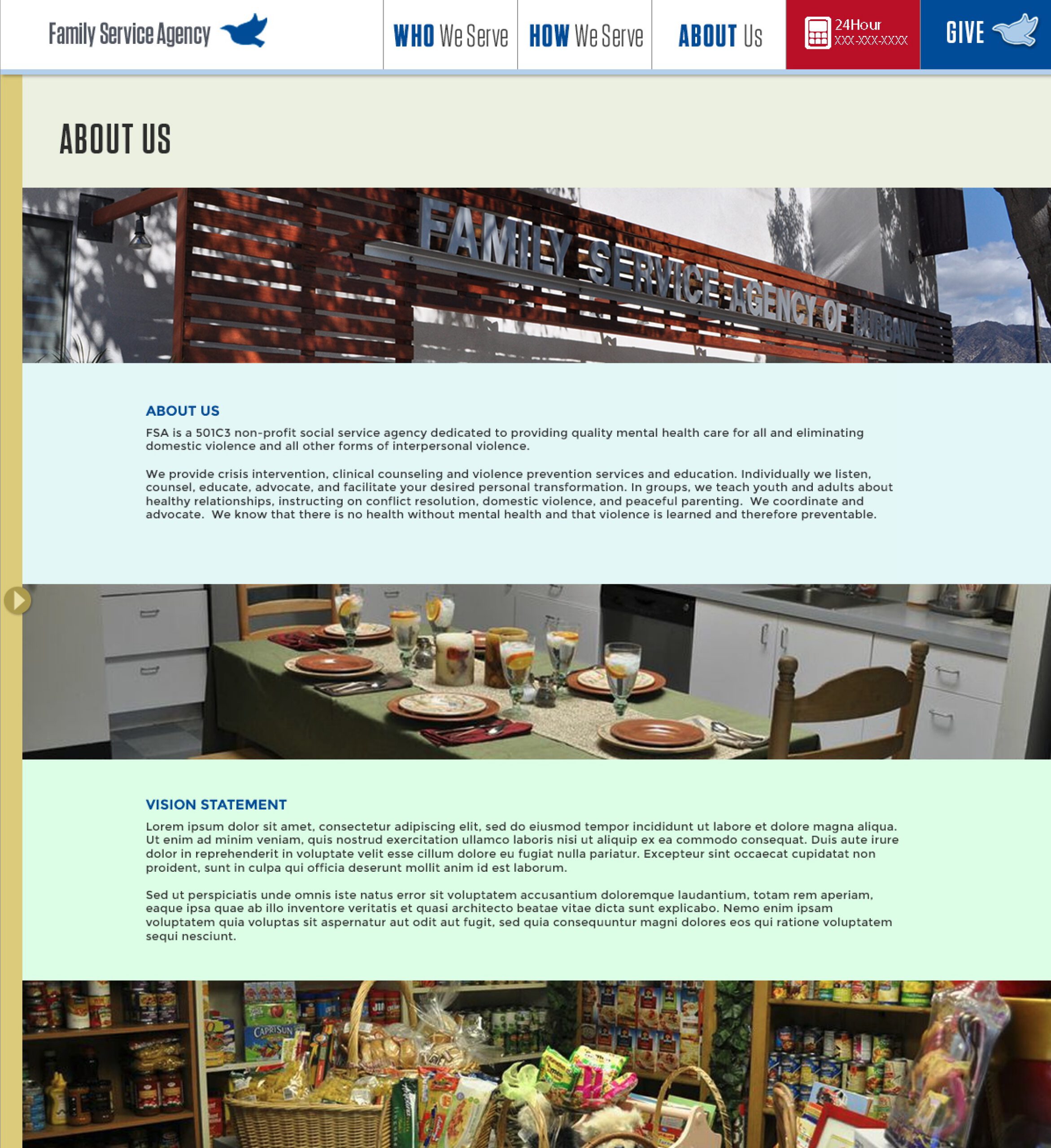
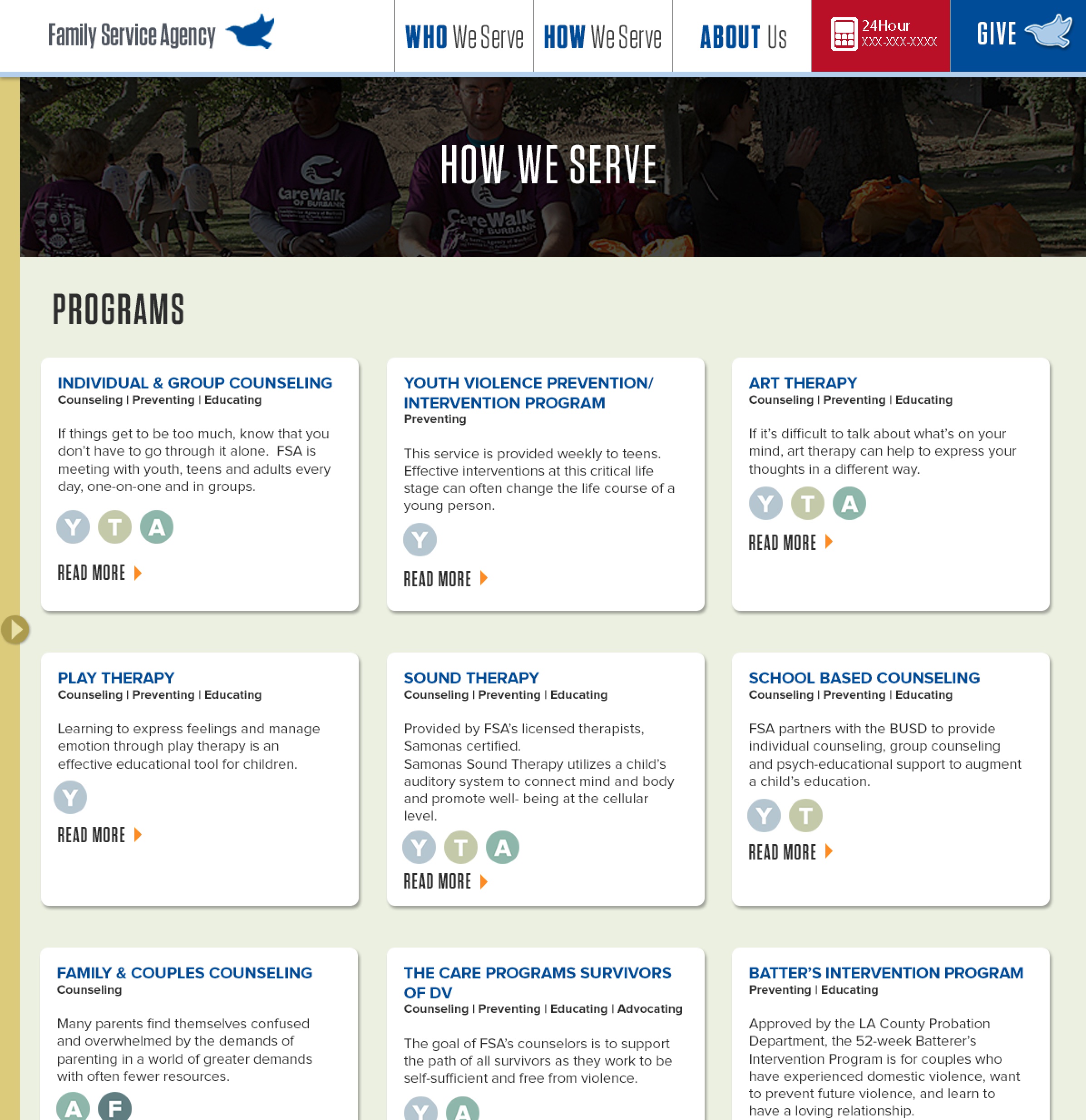
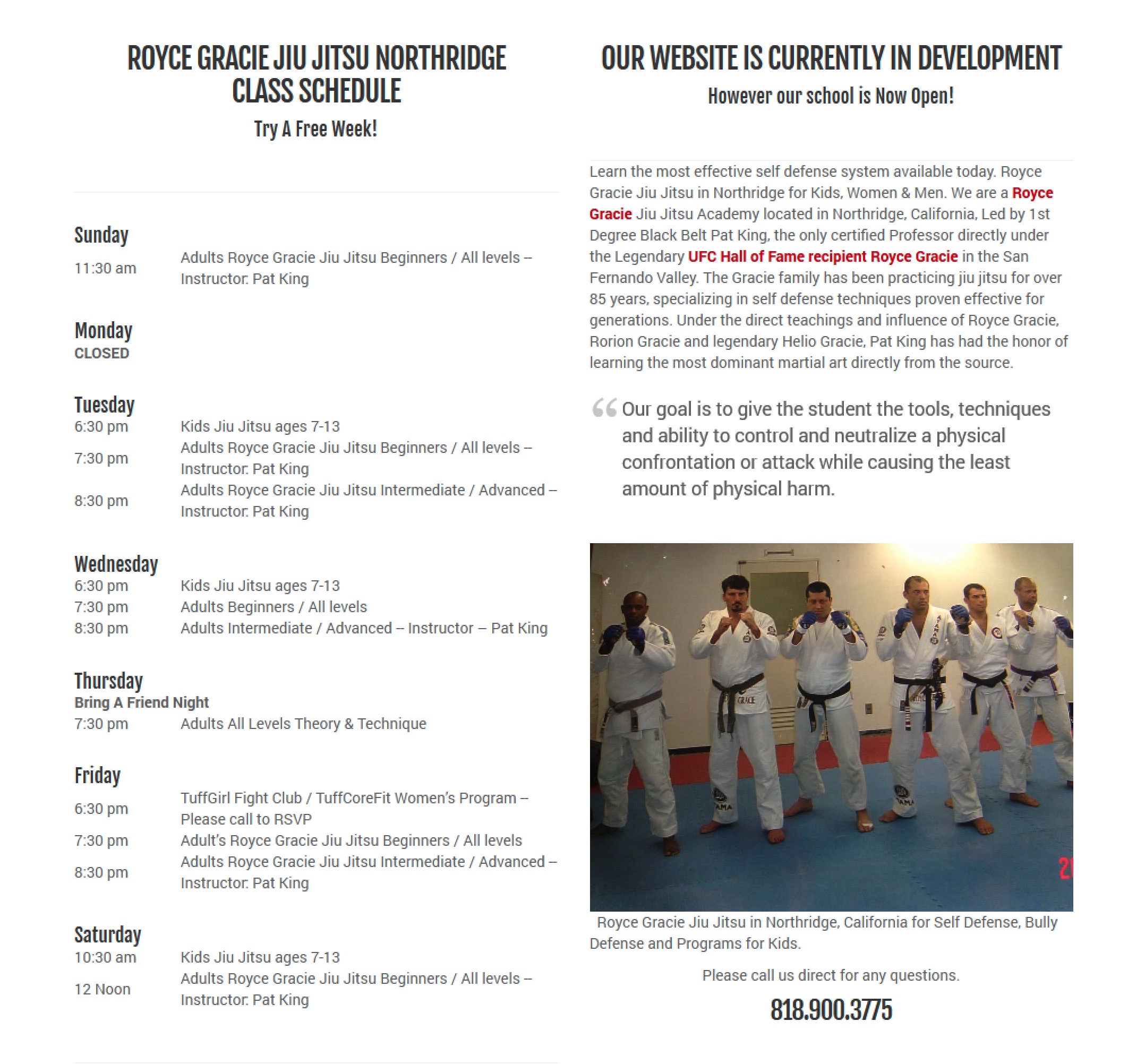
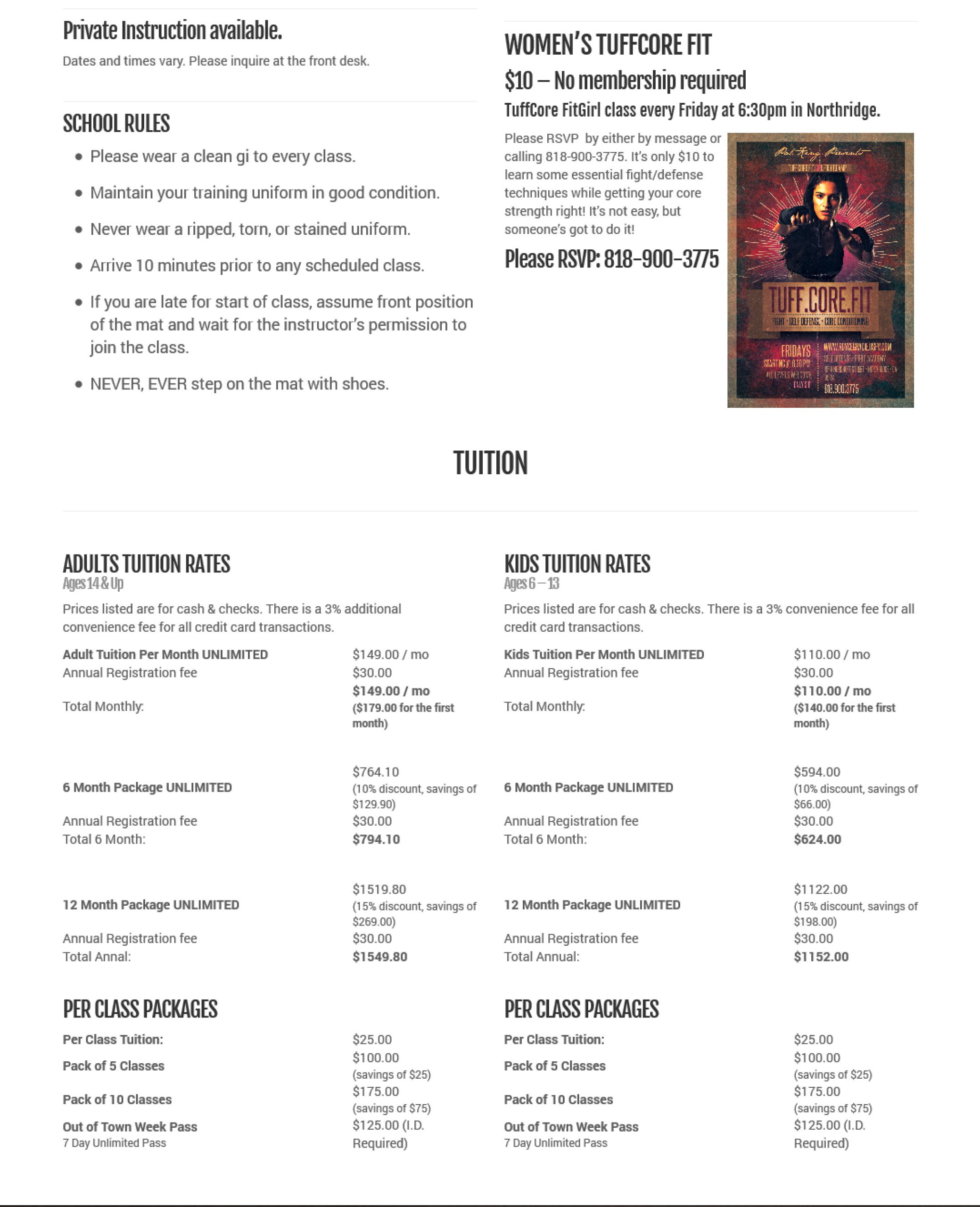
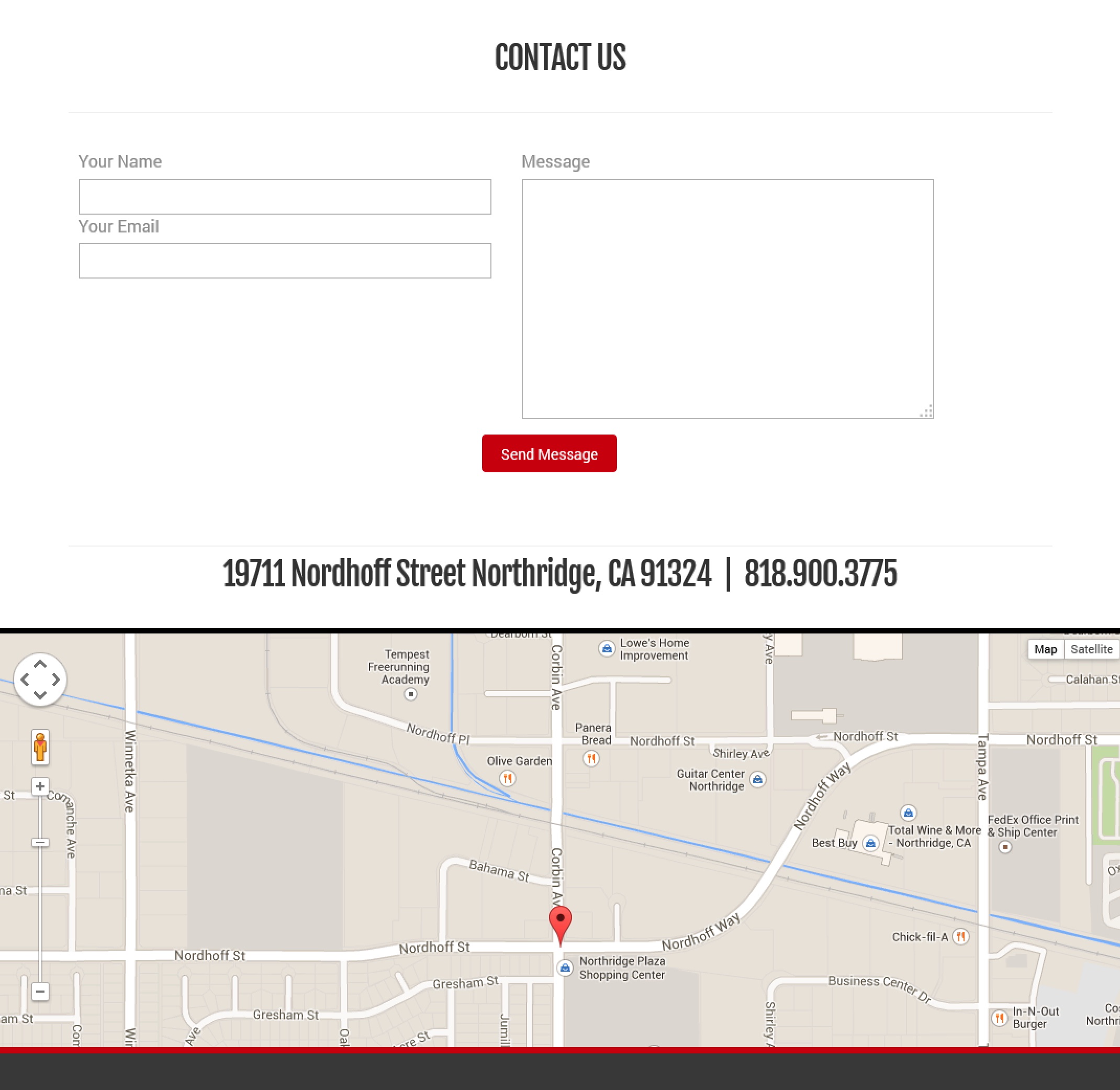
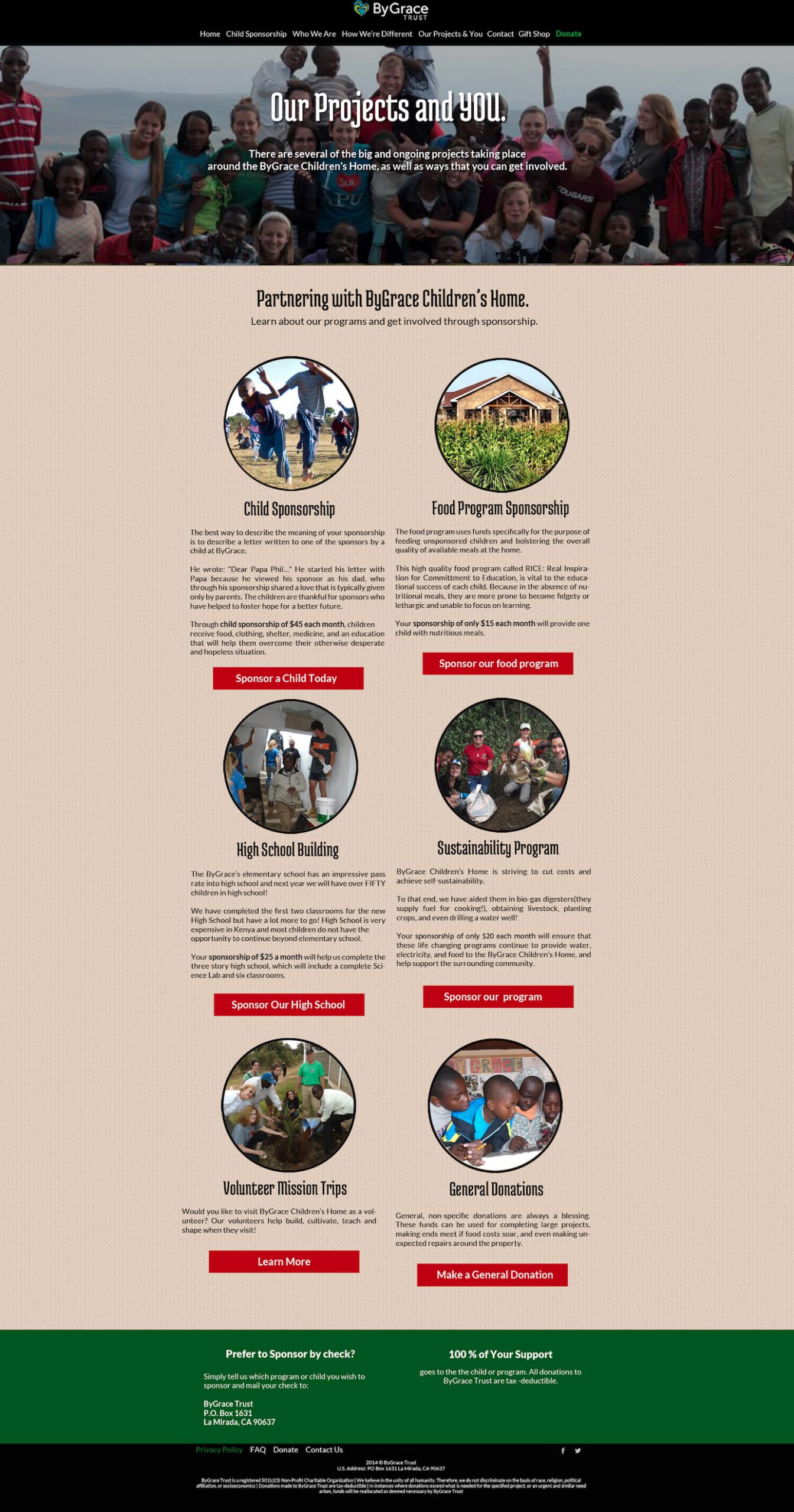
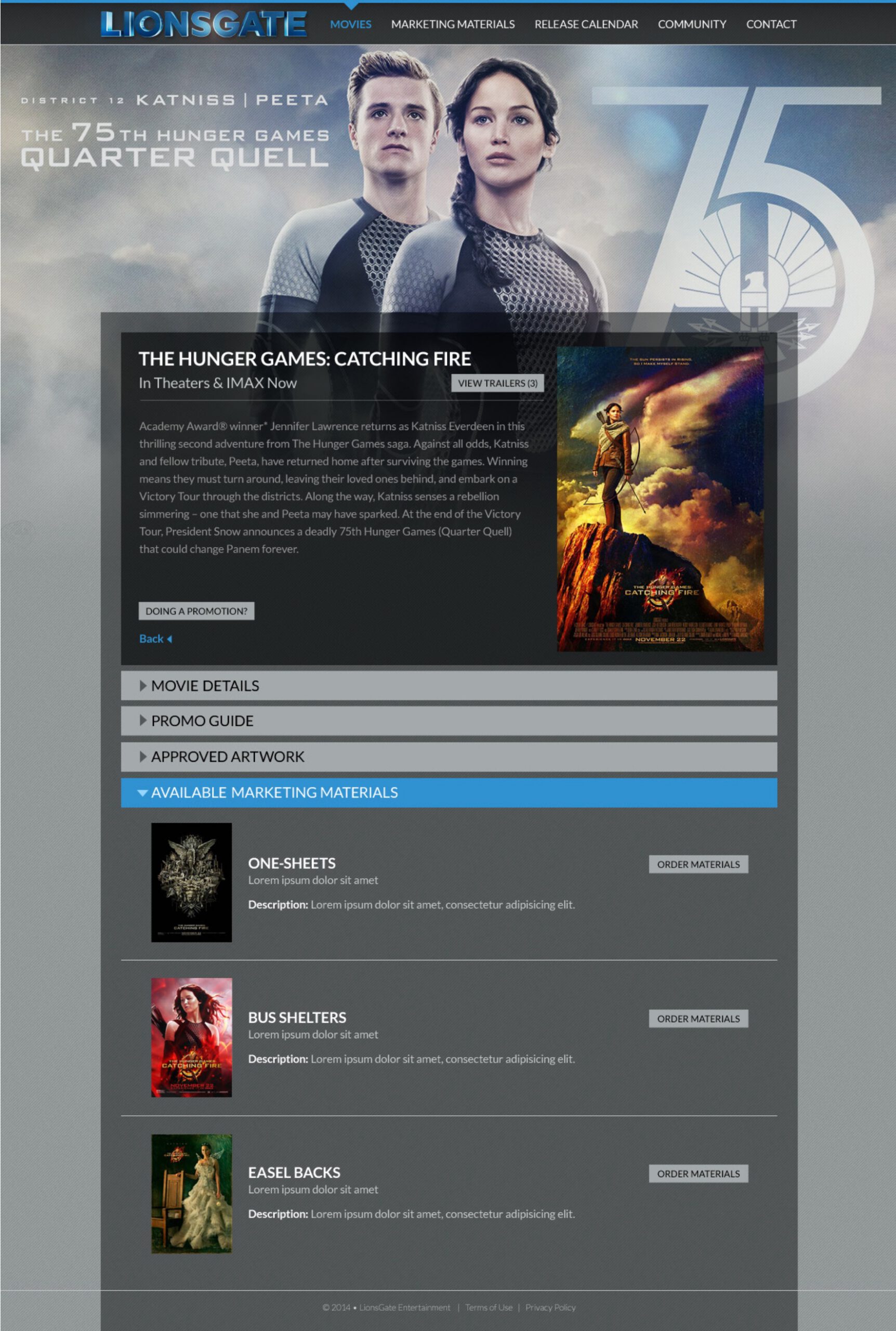
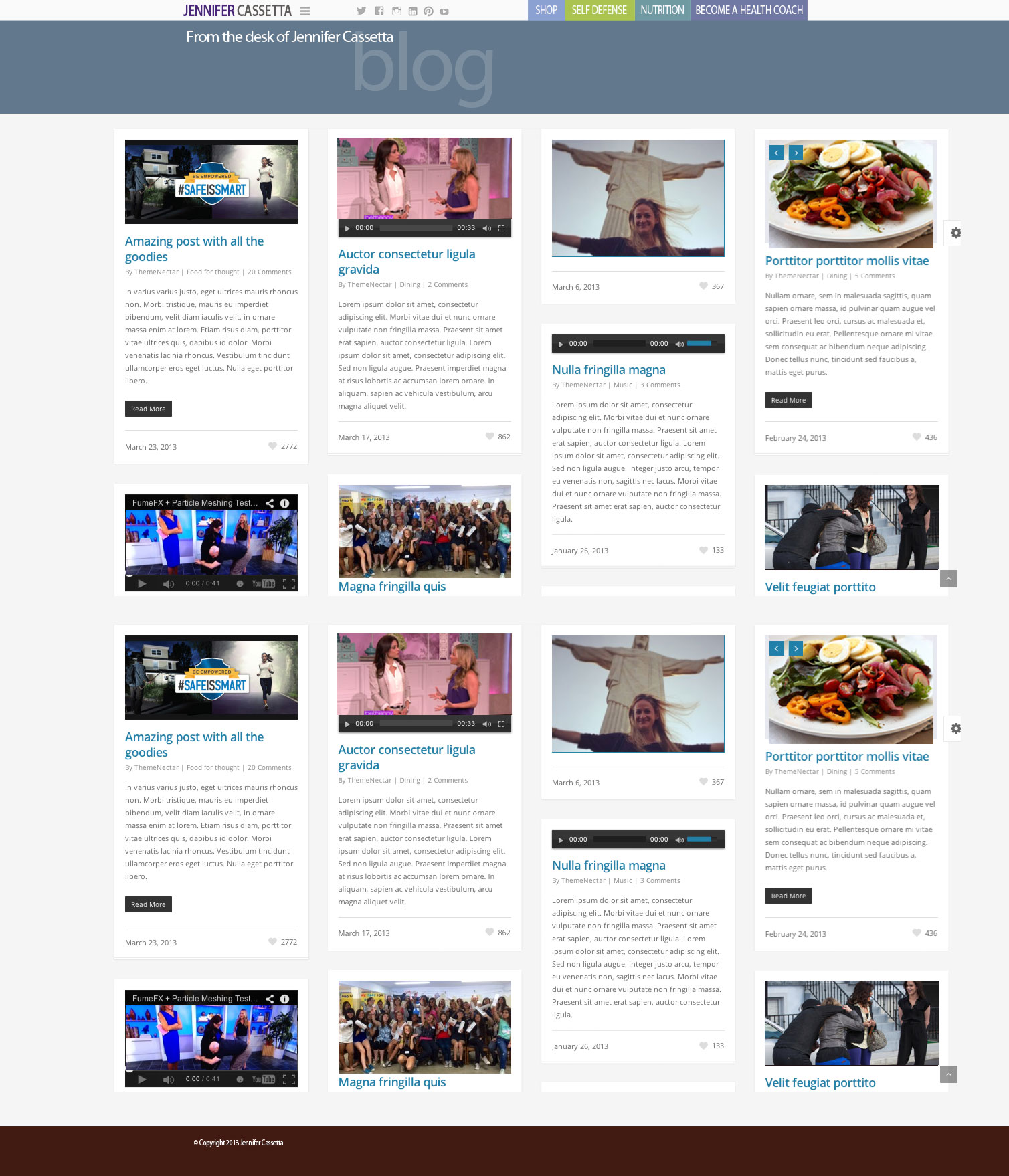
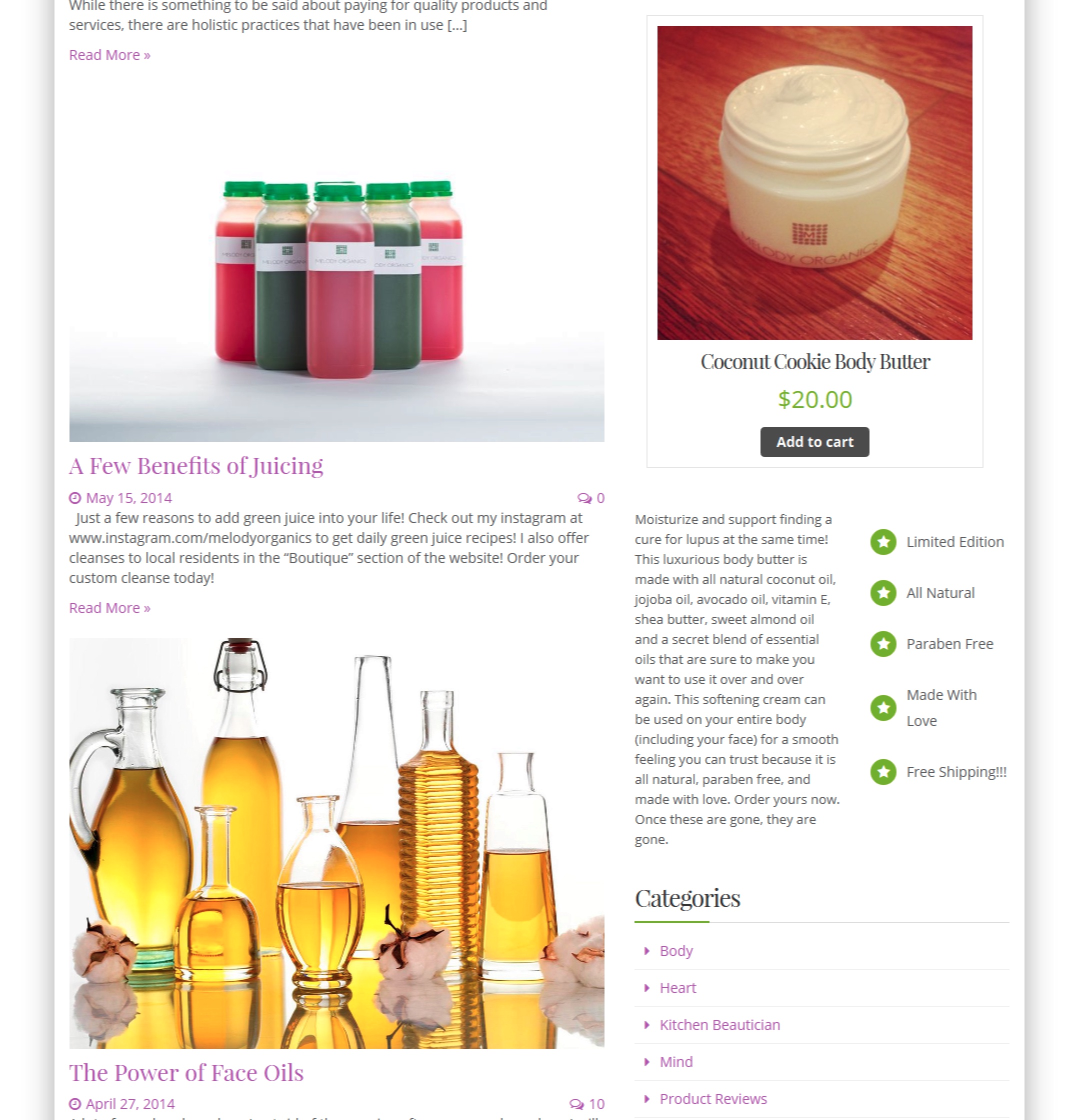
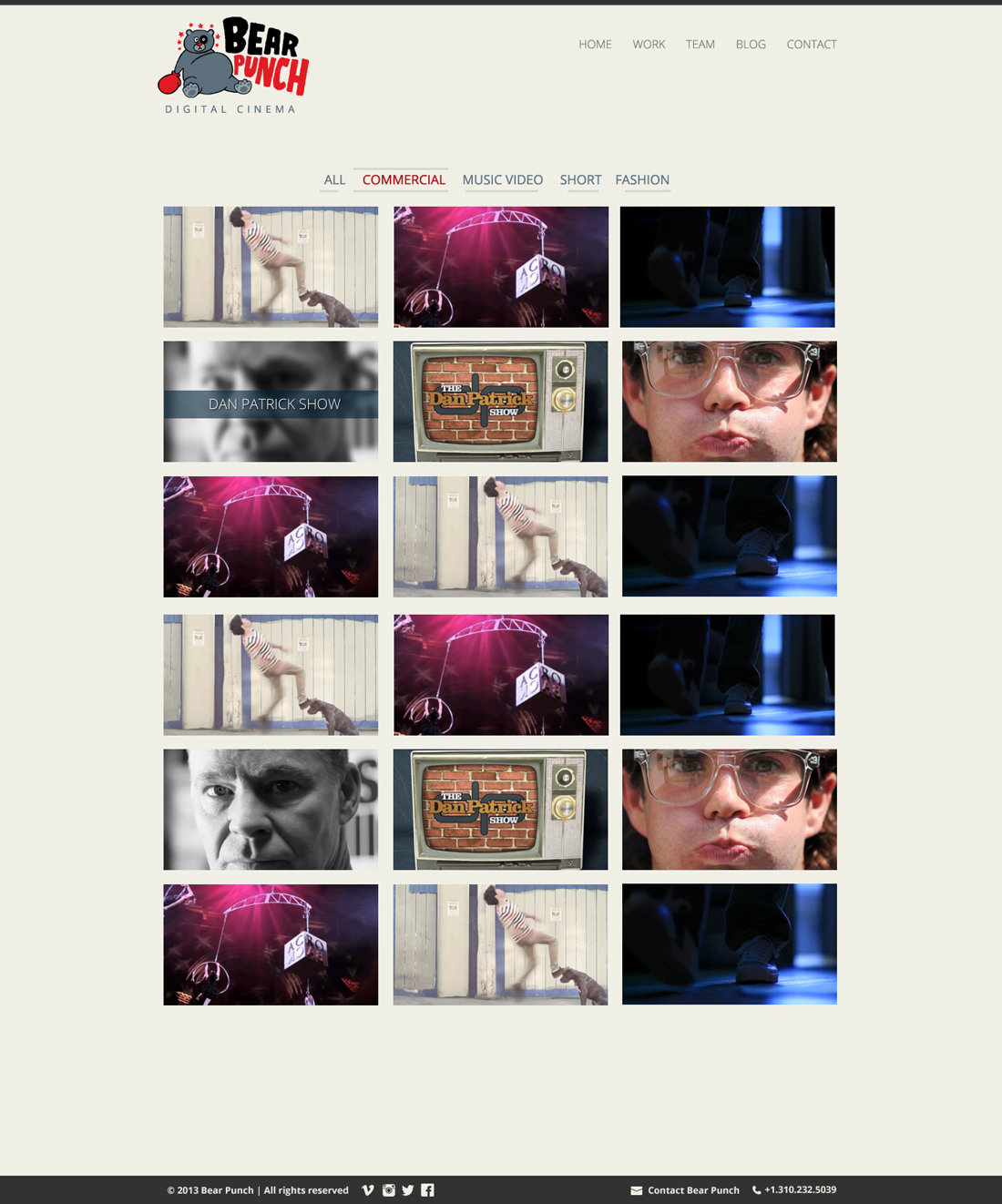
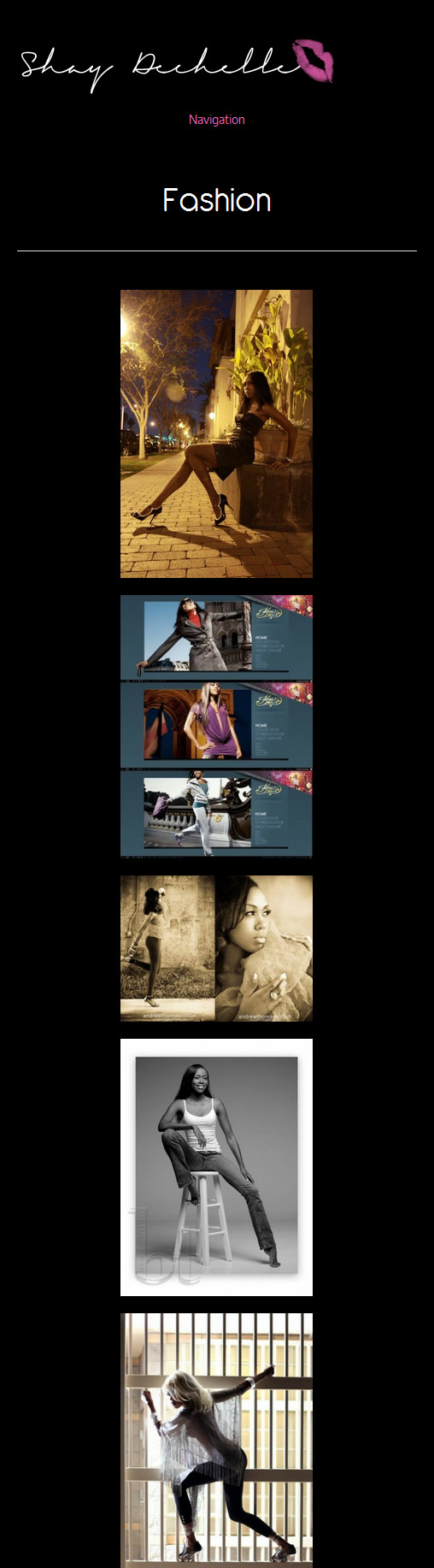
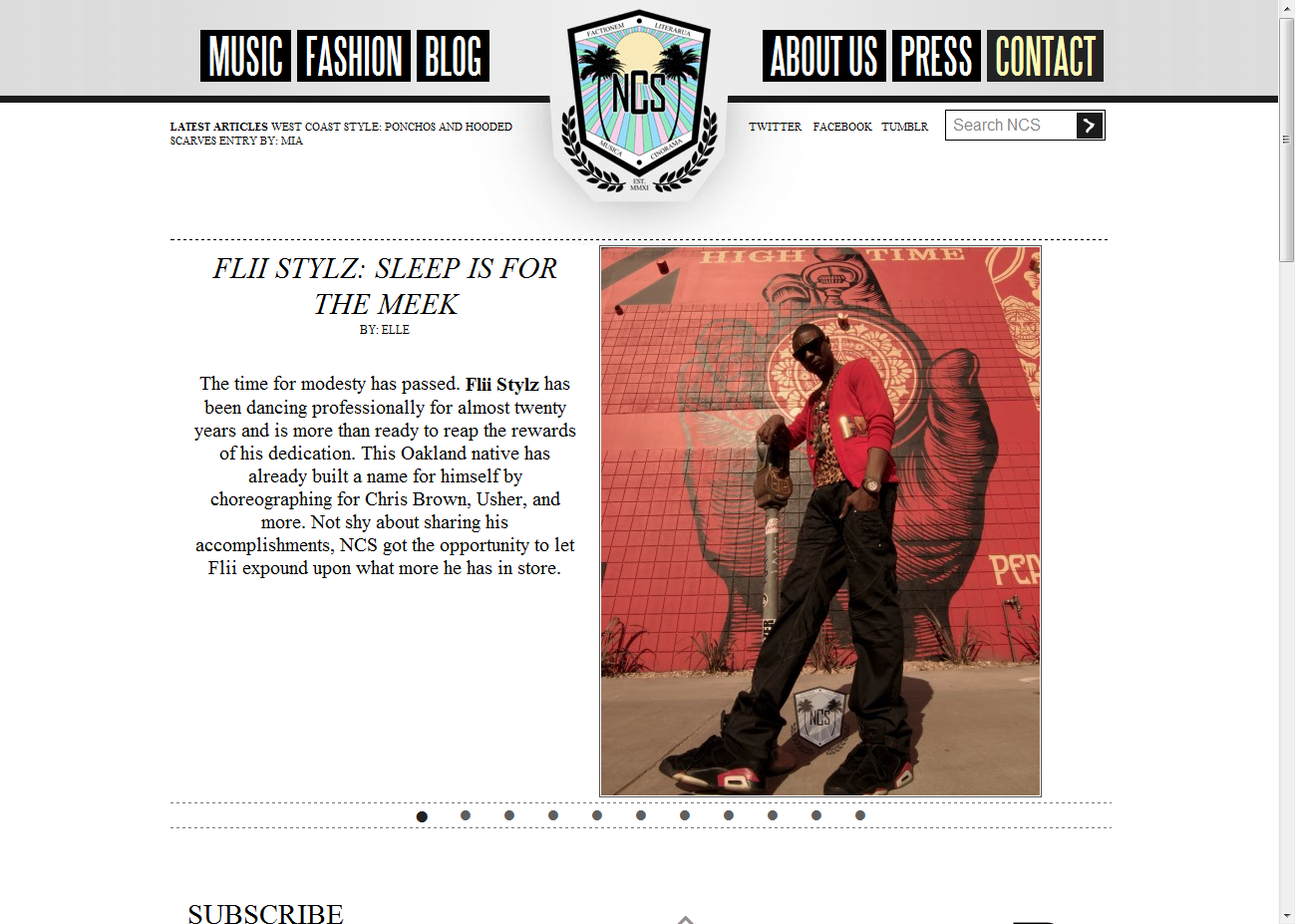
The plugin is actively used to render the dynamic layouts on OJSmith.net. Explore the “Projects” section to see various Gutenberg layouts in action:
- Projects Overview: https://ojsmith.net/projects
- Example Pages:
- Sony: https://ojsmith.net/projects/sony-marketing
- DC-Unplugged: https://ojsmith.net/projects/dc-unplugged
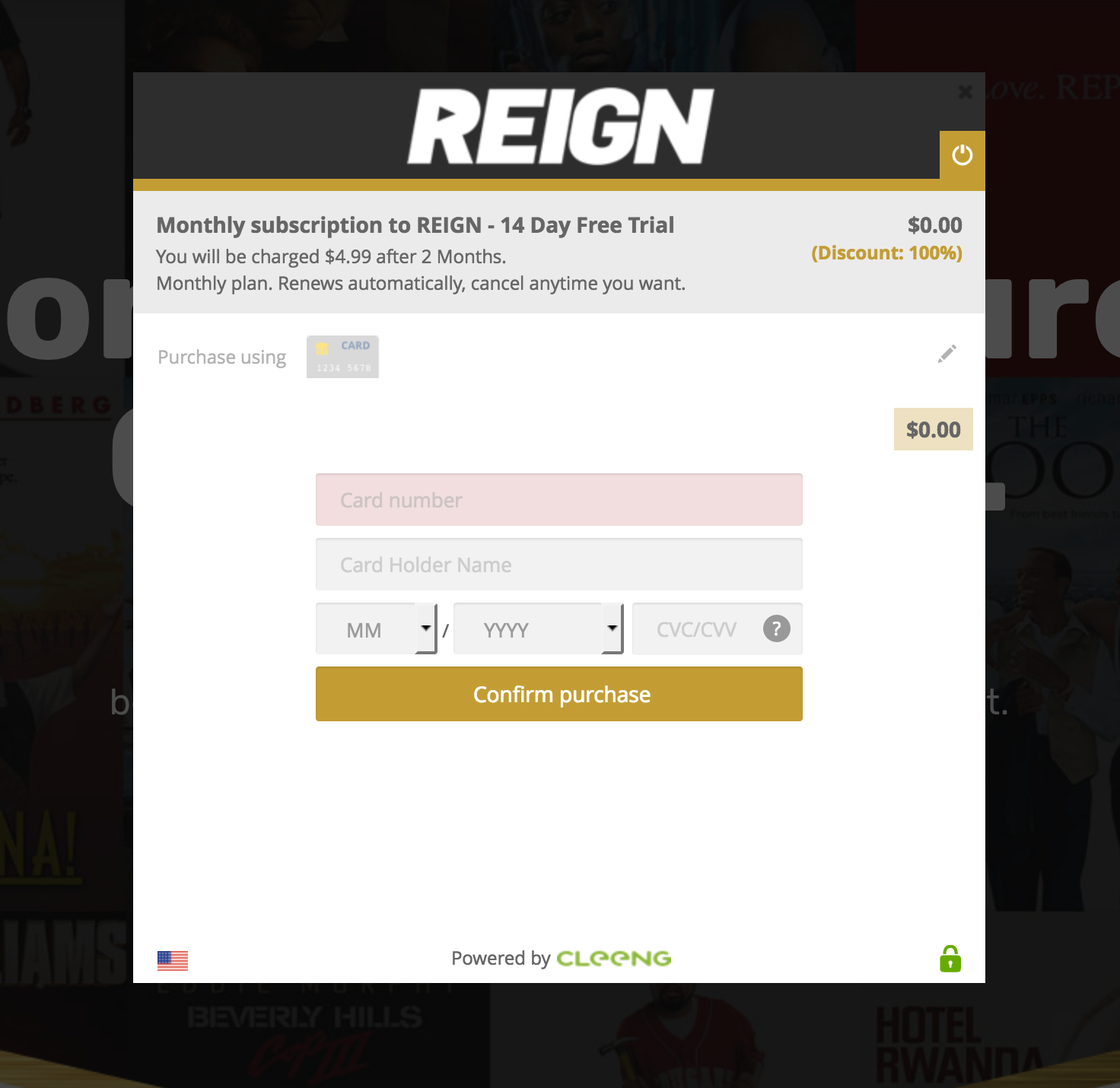
- Reign: https://ojsmith.net/projects/reign-com
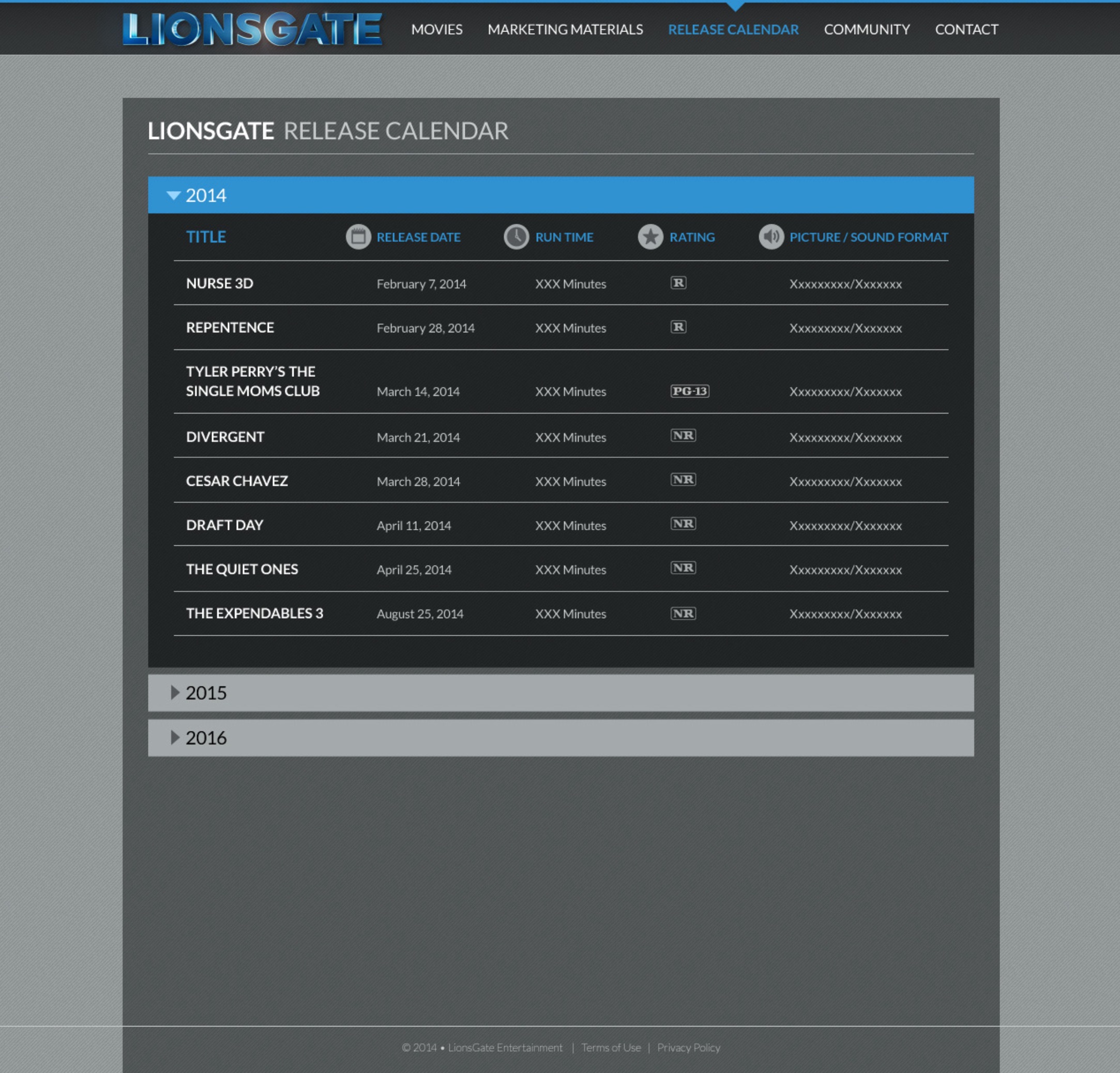
- LionsGate: https://ojsmith.net/projects/lions-gate
- The Pod App: https://ojsmith.net/projects/the-podapp
(Note: This plugin was developed with a focus on solving a specific, complex challenge in headless WordPress. It has been tested in a local development environment and on the live portfolio site mentioned.)
From Github
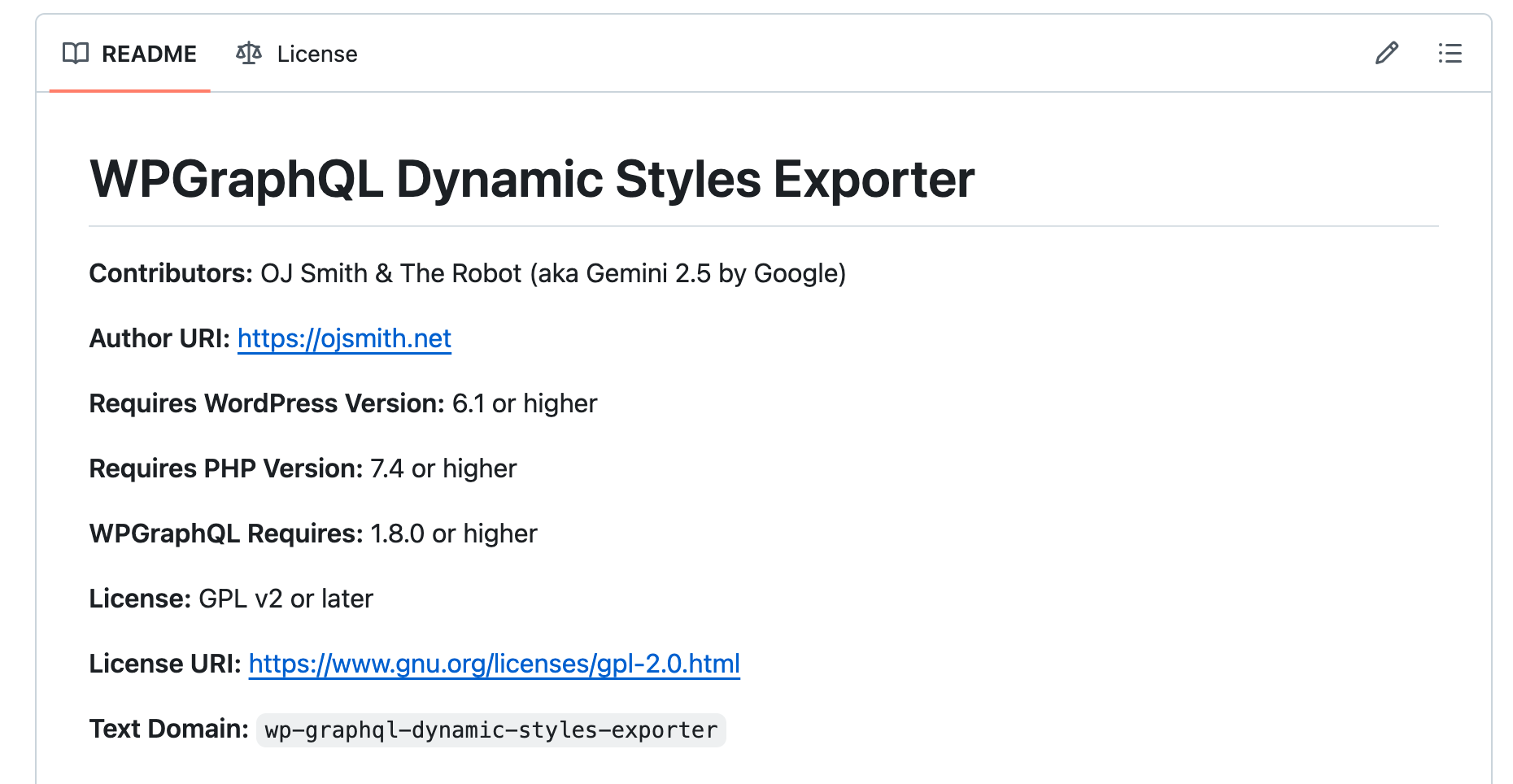
Contributors: OJ Smith & The Robot (aka Gemini 2.5 by Google)
Author URI: https://ojsmith.net
Requires WordPress Version: 6.1 or higher
Requires PHP Version: 7.4 or higher
WPGraphQL Requires: 1.8.0 or higher
License: GPL v2 or later
License URI: https://www.gnu.org/licenses/gpl-2.0.html
Text Domain: wp-graphql-dynamic-styles-exporter
Introduction (More like a back story…)
So, you’re probably here because you are building something like a headless WordPress site and for one reason or another you need the CSS that is injected into the <head>. Particularly the block of code from: <style id="global-styles-inline-css"> and especially the code from: <style id="core-block-supports-inline-css">, the block that has the classes with the hashes at the end that are generated by WordPress dynamically on the single post pages when using Gutenberg… yes? That means you are trying to get your single post pages looking exactly (or something super close) because you want to use Gutenberg to build single pages, post, custom post types, etc, yes?
Or Maybe not? Either way, that’s why this plugin was created, because I was. I’m a “if it bleeds, I can kill it” type of guy, so when I noticed that WordPress was generating dynamic classes with hashes at the end that were only injected on single post pages, I knew there was a way to get them from the API somehow. You were probably thinking the same thing, and that’s why you’re here. Well, you’re in the right place because the Robot and I figured it out. There are other solutions, but I didn’t like them. They just didn’t scale the way I needed them to. I didn’t feel like building a whole component and everything else when the HTML and CSS are already sitting in WordPress somewhere. The only extra work that made sense in my mind was the work it would take to build a plugin that extracted the dynamic CSS from WordPress and made it available to WPGraphQL. Shout out to Mehov who created this wonderful solution that got me to this point: (https://github.com/mehov/wordpress-export-css). I didn’t know this was possible until I saw and tried that plugin.
The reason I cared so much about getting Gutenberg dynamic classes to work in my react app in the first place is because of my best friend and business partner, Sylvia. I started out building a portfolio for myself, but I knew if I cloned the site, decorated it differently and gave it to her to use and she couldn’t make as many 5 and 2 column photo galleries or right align a wide div, she was going to talk a lot of sh_t to me and we cant have that lol. I was going to be ok with only being able to use 2 column galleries and not being able to certain align anything. I can only imagine having to explain to her that she shouldn’t use certain blocks and components because it will generate a dynamic class with a hash that will only be generated on that page yadda yadda yadda on and on and on…. then there were going to be remarks, and comments and more explanation about how a lot of other people….no… this was easier. lol. Plus WordPress was launched on my birthday (May 27th), so I’m foolishly defensive when it comes to WordPress. Major emphasis on “FOOLISHLY” lol. So here we are. I spent 2 extra weeks figuring this situation out and she will probably never know and super duper doesn’t care. Does it work? Does it look good? Does it scale? That is all she cares about. And that’s probably all the marketing team or stakeholder you’re dealing with cares about too and that’s how you got here. Or maybe it’s you who cares. Either way, I just wanted to tease my friend a little bit for no reason lol. All the sh_t she would talk, she would be right. And that’s why I wouldn’t want to hear it lol. It should be a thing. It should work. There is no real reason for it not to. And it does look amazing. It works perfectly. You can have all the galleries with all the columns as many times as you want. You can have wide blocks, half blocks, right aligned blocks, skinny blocks, fat blocks, body positive blocks. All of the Gutenberg blocks work. So shout out to Sylvia too. Good call! (Even though you technically never made it lol)
Shout out to you too if you read down this far. The Robot typed out this entire plugin. Even the description and instructions. It was only my idea and a small bit of research was done by me when it got stuck on a problem, so I figured I had to type out something lol. I also only tested it locally. So if you decide to use it, good luck! I hope it works out lol. I’ve been developing WordPress sites for almost 20 years but this is my first plugin, so when I say “I hope it works out”, I mean it!
Description
The WPGraphQL Dynamic Styles Exporter plugin extends WPGraphQL to provide two crucial sets of CSS necessary for achieving accurate WordPress block editor layouts in a headless frontend application (e.g., a Next.js site).
It allows you to fetch:
- Global Theme Styles: The CSS equivalent to what WordPress generates in the
<style id="global-styles-inline-css">tag. This includes CSS Custom Properties (variables), default HTML element styling, global layout rules (like.is-layout-constrained), and utility classes (.has-color,.has-font-size, etc.) derived from your theme’stheme.jsonand Global Styles settings. - Post-Specific Block Support Styles: The dynamic, block-instance-specific CSS (equivalent to
<style id="core-block-supports-inline-css">) for the content of a particular post, page, or custom post type. This includes styles for hashed layout classes (e.g.,.wp-container-core-group-is-layout-{hash}) and other editor-applied settings.
This plugin is particularly useful for headless WordPress developers who want to accurately replicate the Gutenberg/Block Editor visual output in their decoupled frontends.
Features
- Provides a
themeGlobalStylesfield on the RootQuery in WPGraphQL to fetch global CSS.- Allows selection of which parts of global styles to include (variables, presets, styles, base layout styles).
- Provides a
postBlockSupportStylesfield on all public post types registered with WPGraphQL (e.g., Post, Page, and Custom Post Types).- Dynamically generates CSS for block supports specific to the content of the queried post.
- Implements caching for
postBlockSupportStylesusing WordPress Transients to improve performance (default 12-hour expiration). - Automatically clears the cache for a specific post’s block support styles when that post is updated via the
save_posthook.
Demonstration
The best way to see the plugin in action is to visit the Projects page on my portfolio site, that this plugin was built for, and explore the different pages from there, they are all laid out differently.
But if you wanted to see the top five examples in my opinion (because that would be my next question):
Dependencies
- WordPress: Version 6.1 or higher
- PHP: Version 7.4 or higher
- WPGraphQL Plugin: Version 1.8.0 or higher (must be installed and activated)
Installation
- Download: Download the plugin ZIP file from the GitHub repository (or clone the repository).
- Upload to WordPress:
- In your WordPress admin dashboard, go to Plugins > Add New.
- Click Upload Plugin.
- Choose the downloaded ZIP file and click Install Now.
- Activate: Once installed, click Activate Plugin.
How to Use
After installing and activating the plugin, two new fields will be available in your WPGraphQL schema.
1. Fetching Global Theme Styles
Query the themeGlobalStyles field at the root of your GraphQL query. You can specify which parts of the styles you need. It’s generally recommended to include all parts for comprehensive styling.
Example GraphQL Query for themeGlobalStyles:
query GetGlobalThemeStyles {
  themeGlobalStyles(
    includeVariables: true
    includePresets: true
    includeStyles: true
    includeBaseLayoutStyles: true # For WP 6.5+; on older versions, these are part of 'includeStyles'
  )
}
Integration in Headless Frontend (e.g., Next.js layout.tsx):
The string returned by themeGlobalStyles should be injected into a <style> tag in the <head> of your application, typically in your main layout component.
// Example in a Next.js RootLayout (app/layout.tsx)
// Assume 'themeGlobalStylesString' contains the fetched CSS

<head>
  {/* ... other head elements ... */}
  {themeGlobalStylesString && (
    <style
      id='wordpress-theme-global-styles-inline'
      dangerouslySetInnerHTML={{ __html: themeGlobalStylesString }}
    />
  )}
</head>
2. Fetching Post-Specific Block Support Styles
Query the postBlockSupportStyles field on any public post type (e.g., Post, Page, or your Custom Post Types like Project).
Example GraphQL Query for a “Project” Custom Post Type:
query GetSingleProjectWithDynamicStyles($slug: ID!) {
  # Or $id: ID! if using databaseId
  project(id: $slug, idType: SLUG) {
    # Adjust 'project' and 'idType' based on your CPT query
    title
    content # Your rendered HTML content
    postBlockSupportStyles # This field provides the dynamic CSS
  }
}
Integration in Headless Frontend (e.g., Next.js Page Component):
The string returned by postBlockSupportStyles is specific to the content of that post. It should be injected into a <style> tag on the page or component that renders that post’s content.
// Example in a Next.js Client Component (e.g., ProjectPageClientContent.tsx)
// Assume 'postBlockSupportStylesString' is passed as a prop

<>
  {postBlockSupportStylesString && (
    <style
      id='wordpress-post-block-support-styles'
      dangerouslySetInnerHTML={{ __html: postBlockSupportStylesString }}
    />
  )}
  {/* Then render your WordPress content, e.g., using dangerouslySetInnerHTML */}
  <div dangerouslySetInnerHTML={{ __html: wordpressContent }} />
</>
Caching
- The
postBlockSupportStylesfield uses the WordPress Transients API to cache the generated CSS for each post. The default expiration is 12 hours. - The cache for a specific post’s styles is automatically cleared when that post is updated via the
save_posthook.
Known Limitations / Important Notes
- Performance of
postBlockSupportStyles: The first timepostBlockSupportStylesis requested for a post, the CSS is generated dynamically by rendering the post’s blocks internally. This can add some processing overhead to that initial request, especially for very long or complex posts. Subsequent requests for the same post (within the cache expiration period) will be served from the cache and will be much faster. - Dependency on Block Content: The CSS generated by
postBlockSupportStylesis entirely dependent on the blocks actually present in the post’s content and their specific settings. - Completeness of Other Styles: This plugin provides the dynamic CSS from
<style id="global-styles-inline-css">and<style id="core-block-supports-inline-css">. You will still need to include the standard WordPress block library CSS files (e.g., from@wordpress/block-library/build-style/common.css,style.css,theme.css) and your theme’s staticstyle.cssin your headless frontend for complete styling. - You might need these styles if you’re using tailwind: The first for full width divs and the second for single wide images.
.alignfull {
  max-width: none !important;
  width: 100vw;
  position: relative;
  left: 50%;
  transform: translateX(-50%);
  /* Alternative if transform causes issues (often needs overflow-x: hidden on a parent): */
  /* margin-left: calc(-50vw + 50%) !important; */
  /* margin-right: calc(-50vw + 50%) !important; */
}
To-Do / Future Enhancements
- Admin Settings Page:
- Allow users to manually select/deselect post types for the
postBlockSupportStylesfield (as an alternative or override to automatic detection). - Configure cache expiration time for
postBlockSupportStyles. - Add a button to manually clear all
postBlockSupportStylestransients. - Provide a debug mode toggle for more verbose logging or GraphQL error messages.
- Allow users to manually select/deselect post types for the
- More Granular Error Messages & Enhanced Logging:
- Provide even more specific error details in the GraphQL response when CSS generation fails.
- More extensive server-side logging options (perhaps controllable via the debug mode).
- Internationalization:
- Ensure all user-facing strings (admin notices, field descriptions in GraphQL schema) are translatable using the plugin’s text domain (
wp-graphql-dynamic-styles-exporter). - (OR YOU COULD JUST SPEAK AMERICAN!!!!!! — that’s a joke. Sorry. lol)
- Ensure all user-facing strings (admin notices, field descriptions in GraphQL schema) are translatable using the plugin’s text domain (
- Filter Hooks:
- Add WordPress filter hooks at key points (e.g., before returning CSS, for transient expiration time, for the list of post types) to allow other developers to customize the plugin’s behavior.
- Unit/Integration Tests:
- For a very robust plugin, especially if it gains popularity, adding PHPUnit tests would be beneficial.
- (I guess lol)
- Further Investigation into
WP_Style_EngineMethod Availability:- Continue to monitor and understand why
WP_Style_Engine::get_stylesheet_from_blocks_render()might be reported as unavailable in some WPGraphQL contexts, even on up-to-date WordPress versions. The current method (rendering blocks to populate the store, then compiling stored rules) is a robust workaround. - (I don’t know why the Robot is stuck on
WP_Style_Engine::get_stylesheet_from_blocks_render(). I don’t know why or where it came from. It was stuck on getting that method to work for a while (that’s where the error messaging TODO comes from), then I did some research and discovered that method is not a thing. I’m going to leave it in the TO DO’s just incase I’m wrong, but I’m almost certain that the Robot is making that one up. It wouldn’t be the first time.)
- Continue to monitor and understand why
Contributing
Contributions are welcome! If you find issues or have ideas for improvements, please open an issue or submit a pull request on the GitHub repository. (https://github.com/odotjdot/WP-GraphQL-Dynamic-Styles-Exporter).